


Team: New scenes in Together Mode

There are some new scenes coming to Together Mode. Have you tried it?
Together mode is intended to make group meetings feel like you are all together – rather than sitting in individual squares all participants appear in the same image.
SharePoint: Automatically delete custom forms with lists
A new feature to stop lots of orphaned forms: if you delete a List, any associated custom forms will also be deleted.
If you restore the List again, the associated forms will also be restored.
Intune: Action may be required
Intune have updated their root certificates to improve their security.
If you use Intune, you need to read this article: https://techcommunity.microsoft.com/t5/intune-customer-success/intune-certificate-updates-action-may-be-required-for-continued/ba-p/1839655
Depending on if you use a few features, you may need to take action to make sure your service isn’t interruped.
Teams: New theme
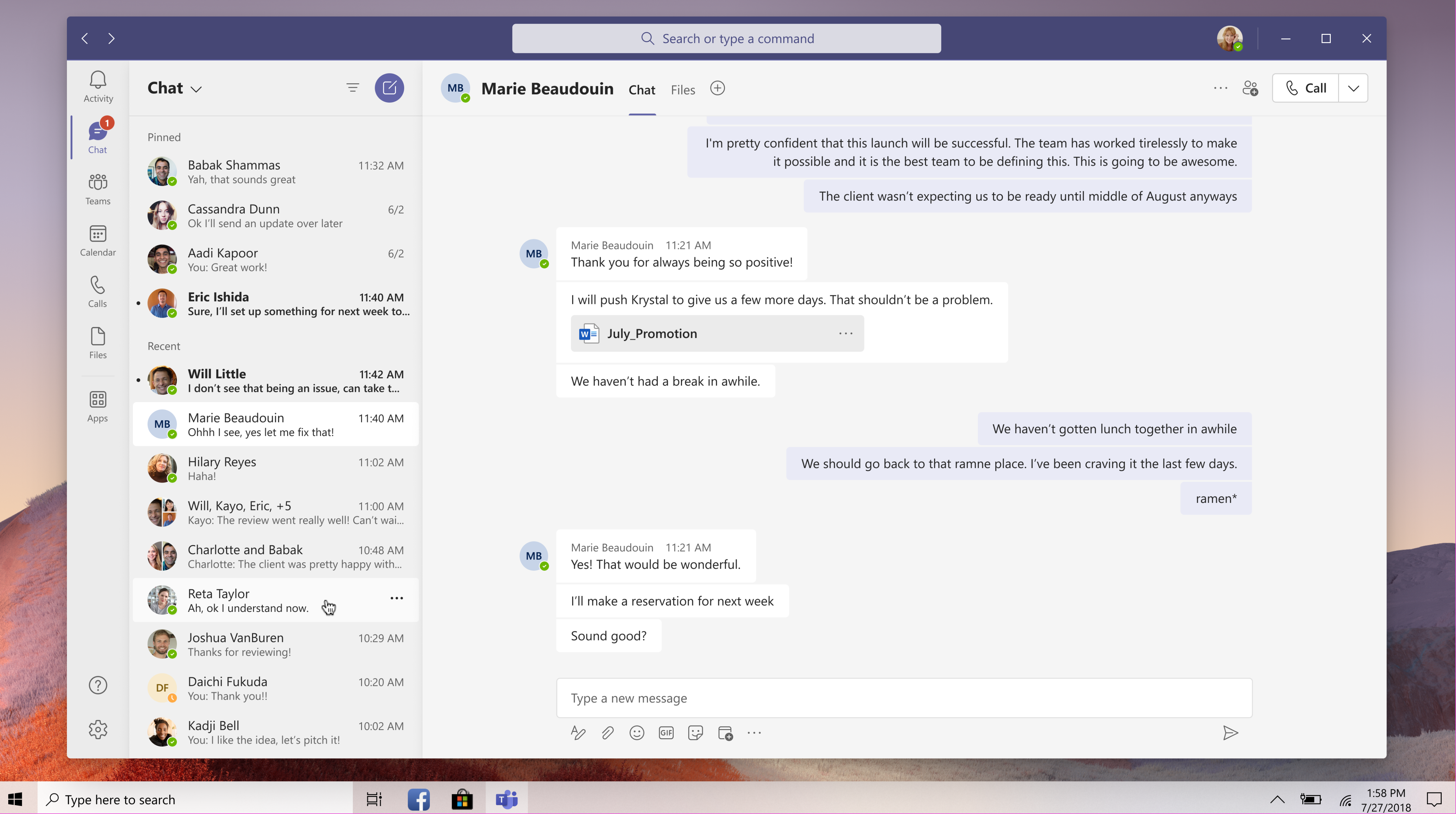
The theme for Teams is being updated to bring it in line with other Office apps. These changes will be fairly subtle and won’t change any functionality.
Teams: Support for 3×3 recordings
You’ll be able to view up to nine meeting participants during a Teams meeting recording, in a 3×3 grid. This is an increase from the 2×2 recording support that is available today.
Skype for Business Admin Centre retiring
The Skype for Business Admin Centre is retiring on December 1st.
All administration should now been done in the Teams admin centre.
Open in Desktop is moving
When you use the Office Online Apps, you currently have a button that says “Open in Desktop App” along the top.

This button is moving to a sub menu, under the Editing drop down.
